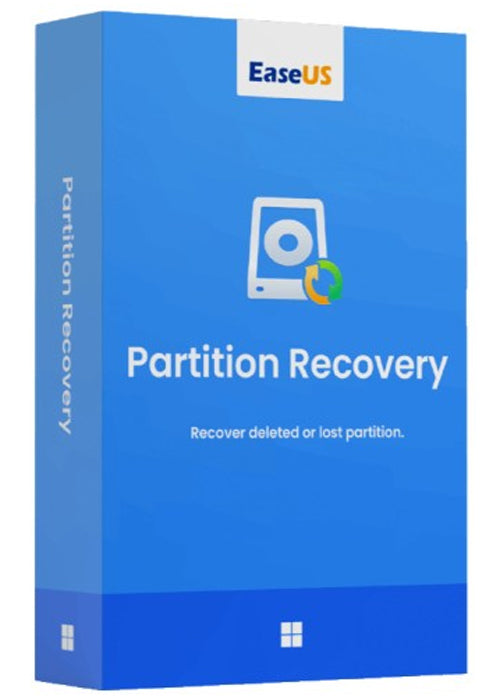
Activa EaseUS Partition Recovery en 1 dispositivo durante 1 mes con una clave digital oficial a precio reducido. Entrega inmediata por email y activación en todo el mundo.
Ficha técnica
| Producto | EaseUS Partition Recovery |
|---|---|
| Fabricante | EaseUS |
| Plataforma | PC |
| Región de activación | Global |
| Tipo de licencia | Suscripción |
| Dispositivos | 1 |
| Duración | 1 mes |
| Entrega | Digital, por email en pocos minutos |
Descripción oficial del editor (en inglés)
Buy EaseUS Partition Recovery (PC) – (1 Device) – (1 Month) – EaseUS Key – (Global) – Partition recovery software to recover deleted or lost partition. It supports all kinds of partitions including FAT, NTFS, Ext2 and Ext3 volumes in Windows.
How to download, install and activate:
- To download and install the EaseUS Data Recovery Wizard setup file click here
- After installing the Trial setup file open the app
- Click on the upgrade option (normally found on the top-right corner of the app)
- Click on «Enter License»
- Enter the license you have received after purchase
- Click on the Activate button and done your product will be activated
Cómo activar EaseUS Partition Recovery
- Descarga EaseUS Partition Recovery desde la web oficial del fabricante.
- Instala el programa en tu dispositivo.
- Abre el apartado de activación o registro (a veces debes crear una cuenta del fabricante).
- Introduce la clave que recibiste por email y disfruta de todas las funciones premium.
Preguntas frecuentes
¿En qué países funciona?
Se puede activar desde cualquier país del mundo, sin restricciones regionales.
¿Cuándo recibo la clave?
PremiumCDKeys envía la clave por email automáticamente, normalmente en pocos minutos tras confirmar el pago.